How it works
From the page to the cut
One place for the script, the shots, every generation, the cut, the client’s notes and the handoff. Here is a production, start to finish.
01 / 07
The script
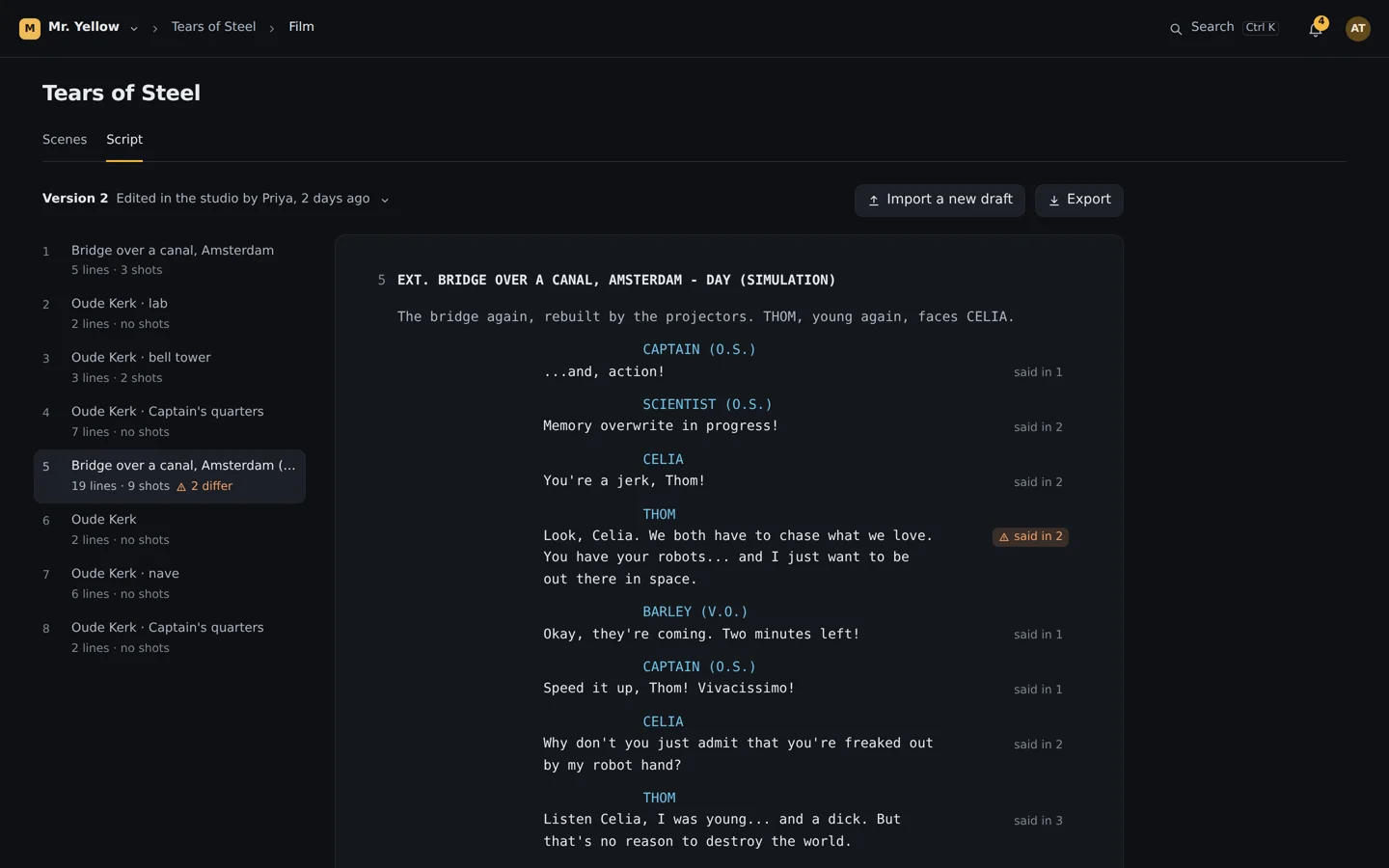
Import a Final Draft or Fountain file. Scenes, action, characters and dialogue arrive with their structure. Revise in the studio, export back to your writing tool, and when a new draft comes in, review it one change at a time: lines that touch shots are shown with what they mean, nothing applies until you confirm, and the whole import undoes in one step.
A new draft of the script, one change at a time
Lines reworded, two scenes moved, one line cut. Nothing changes until you apply it, and the whole import undoes as one step.
They touch no shots.
She walks off the bridge without looking back.
This is pretty freaky.
Draft 3Well, this is freaky.
Takes linked to this line still say the old words: the dialogue check will flag them.
01 / 06Draft 3 compared
.fdx and Fountain, both ways
A three-way re-import that keeps shots linked to edited lines
Conflicts shown side by side, never overwritten
02 / 07
Shots and takes
A shot is a slot in a scene with its candidate takes and one history. A take is a piece of a generation, with an in and an out point. Generations are never edited, so nothing is lost: every attempt for a shot stays in its history, grouped by generation.
One generation, six takes






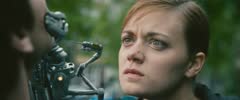


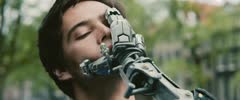
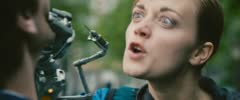
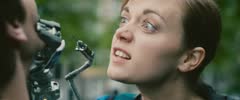
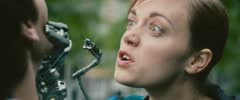
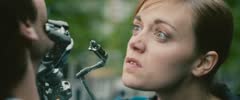


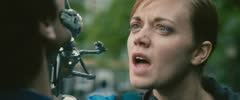
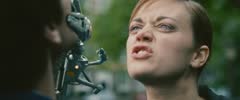
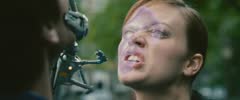
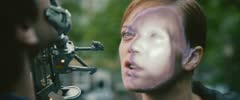
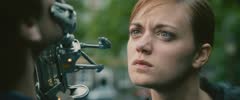
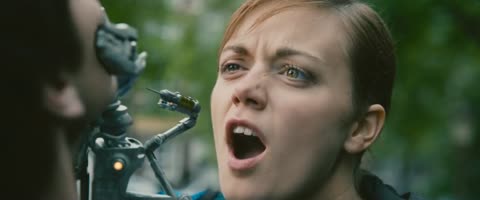
- Made for
- Shot 8 · Scene 5
- Prompt
- Celia holds Thom’s face with the robot hand: “You broke my heart.” “I know.”
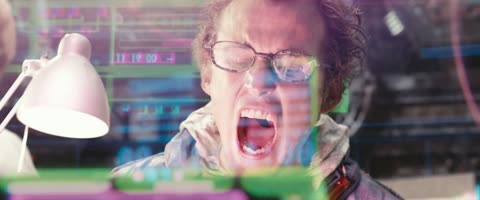
Clip 1 3.1 s
THOM: Nooooo!
Clip 2 2.3 s
CELIA: You broke my heart.

Clip 3 1.5 s
THOM: I know.
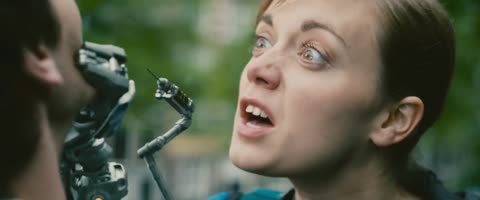
Clip 4 2.0 s
CELIA: You forgot me on earth.

Clip 5 1.2 s
THOM: I know.
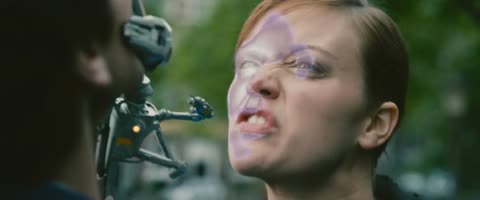
Clip 6 2.3 s
CELIA: I should just crush you.
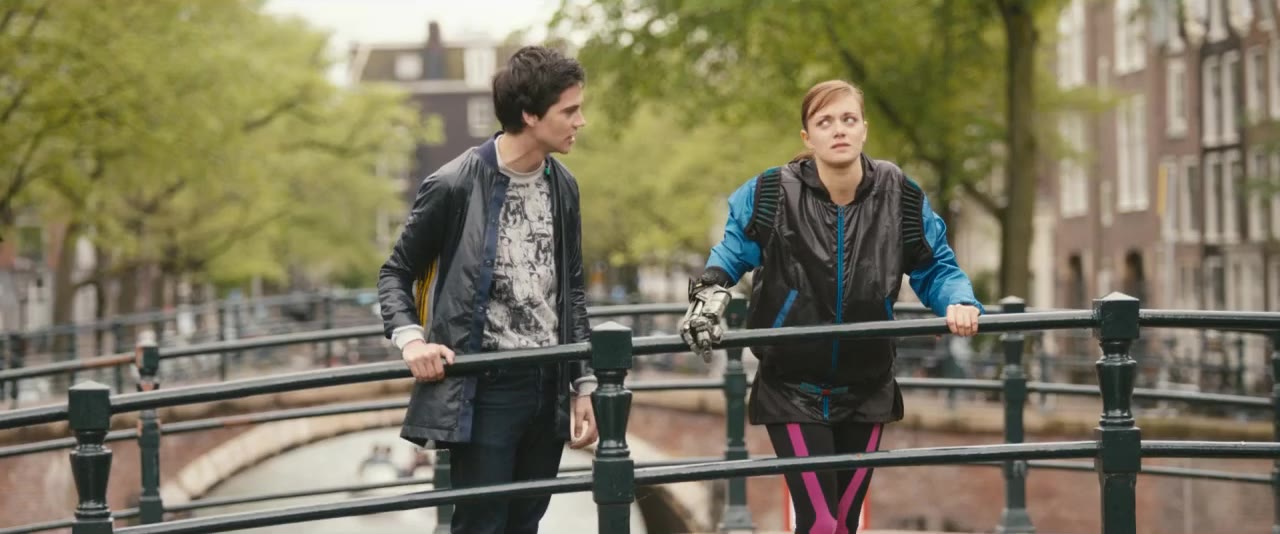 1
1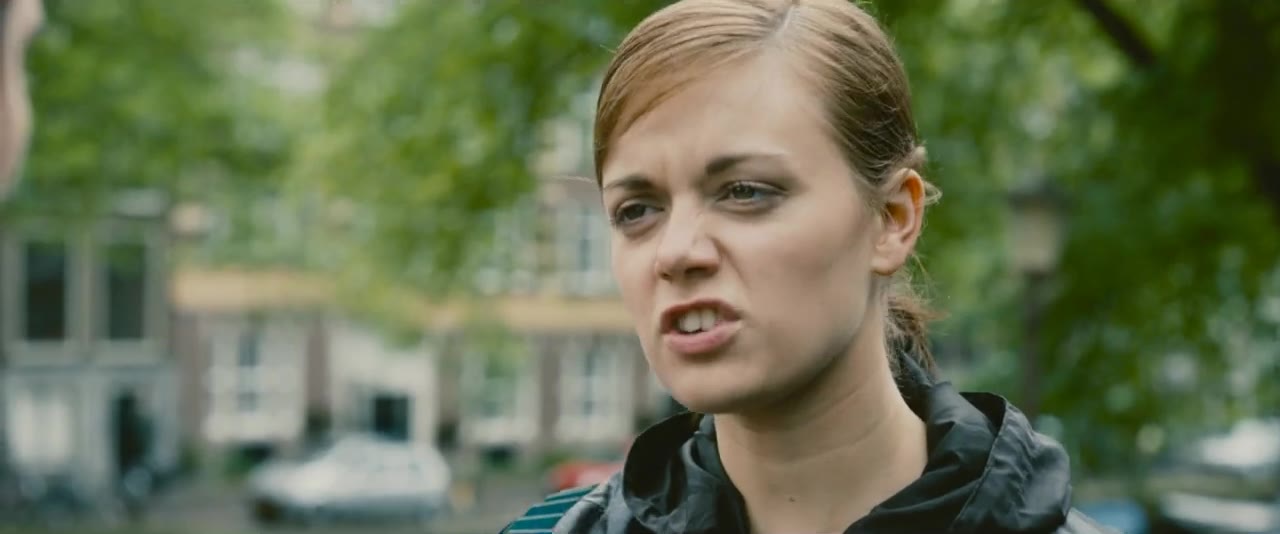 2
2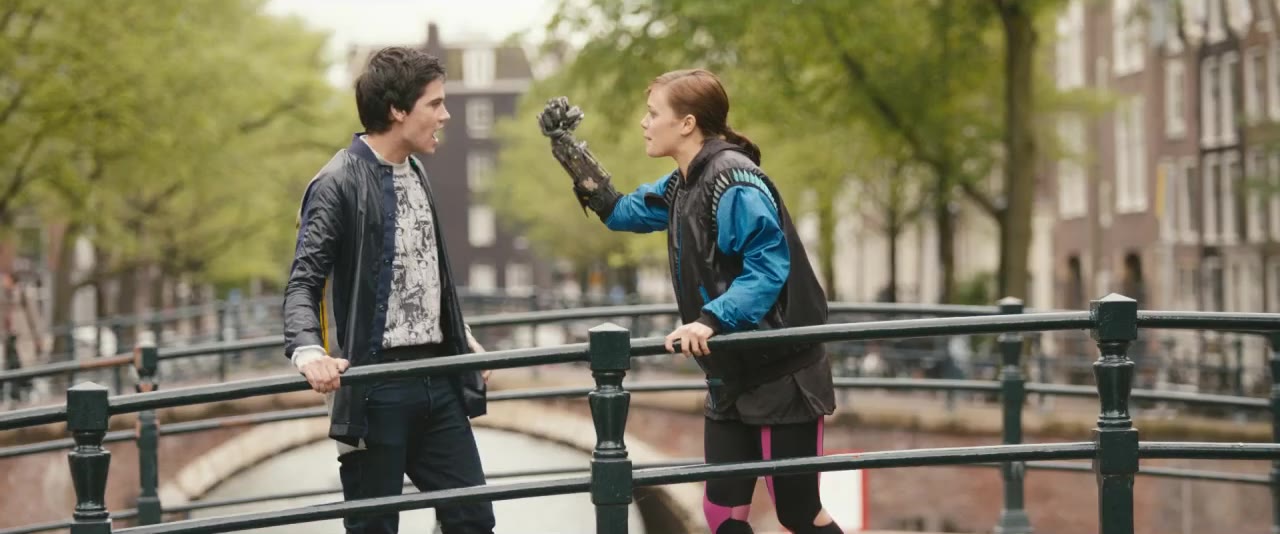 3
3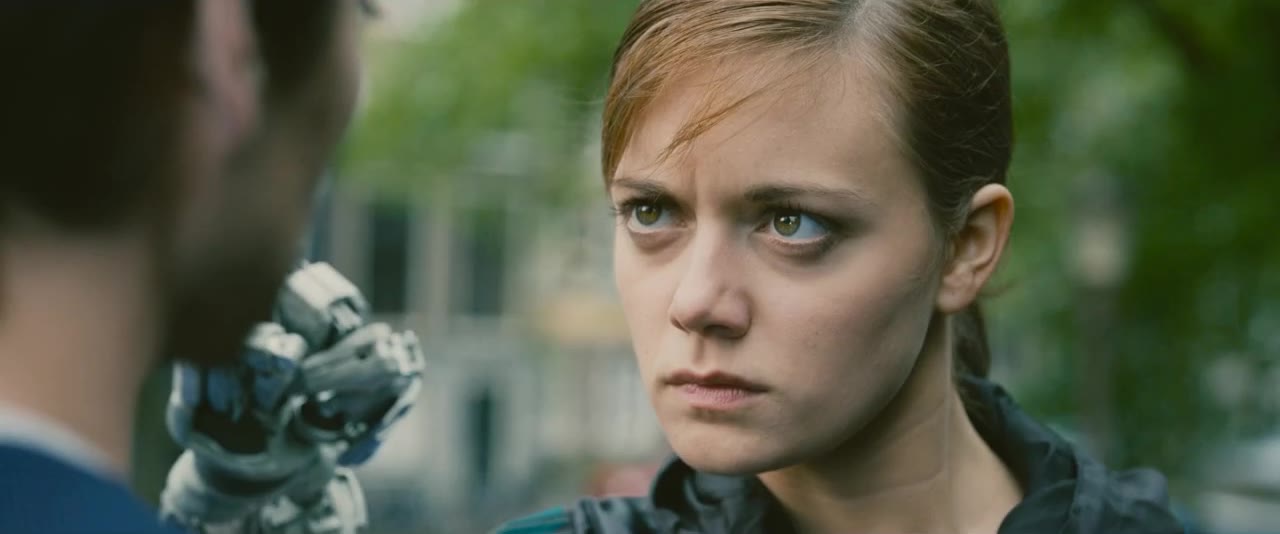 4
4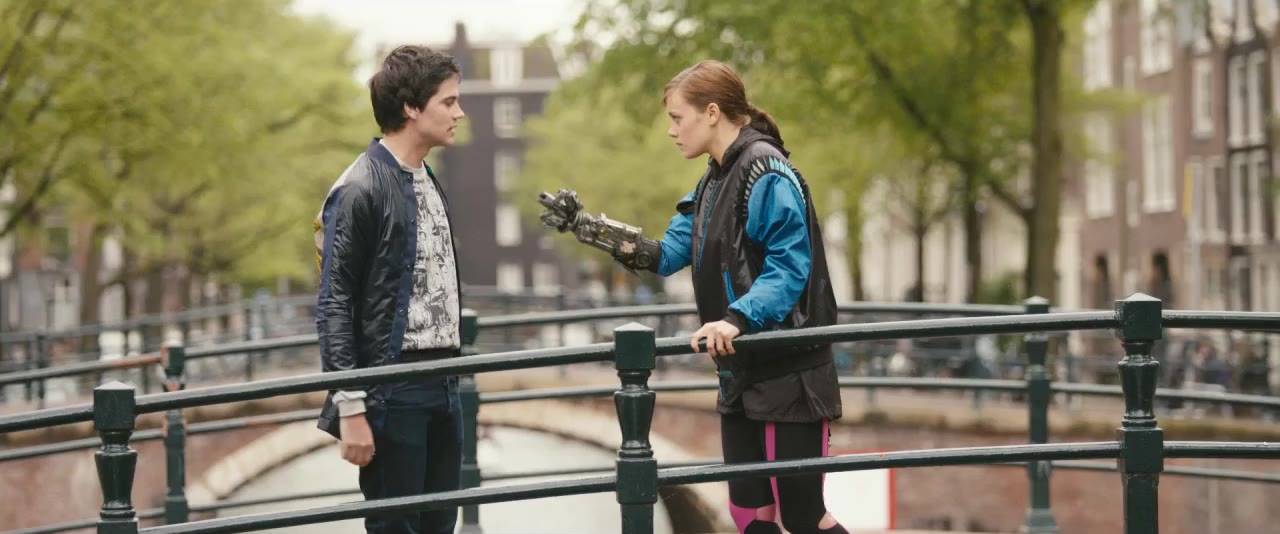 5
5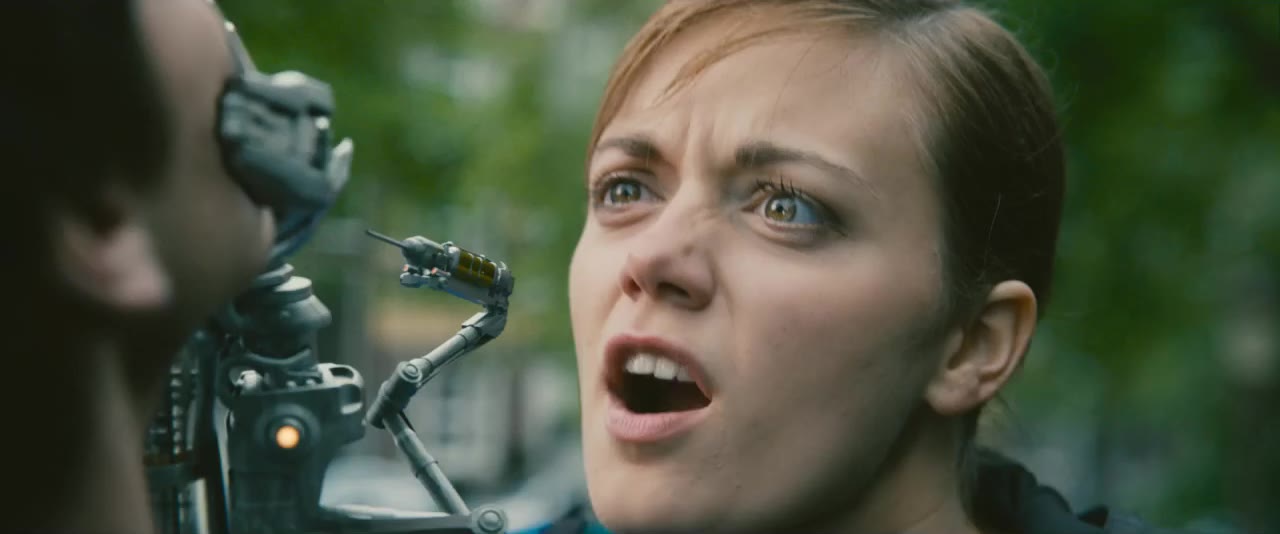 6
6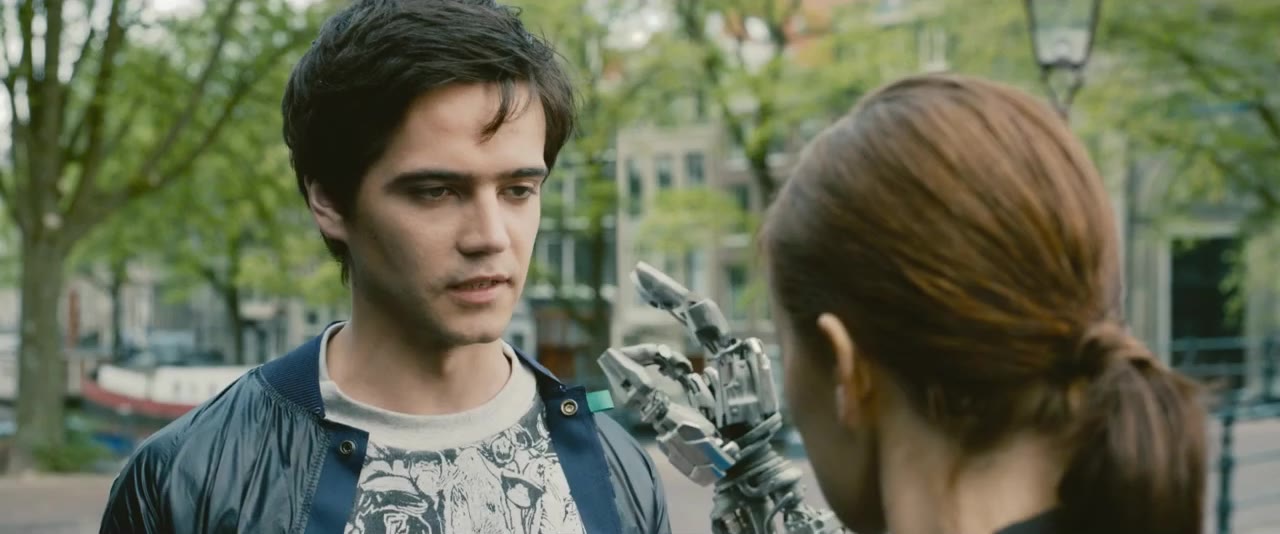 78
78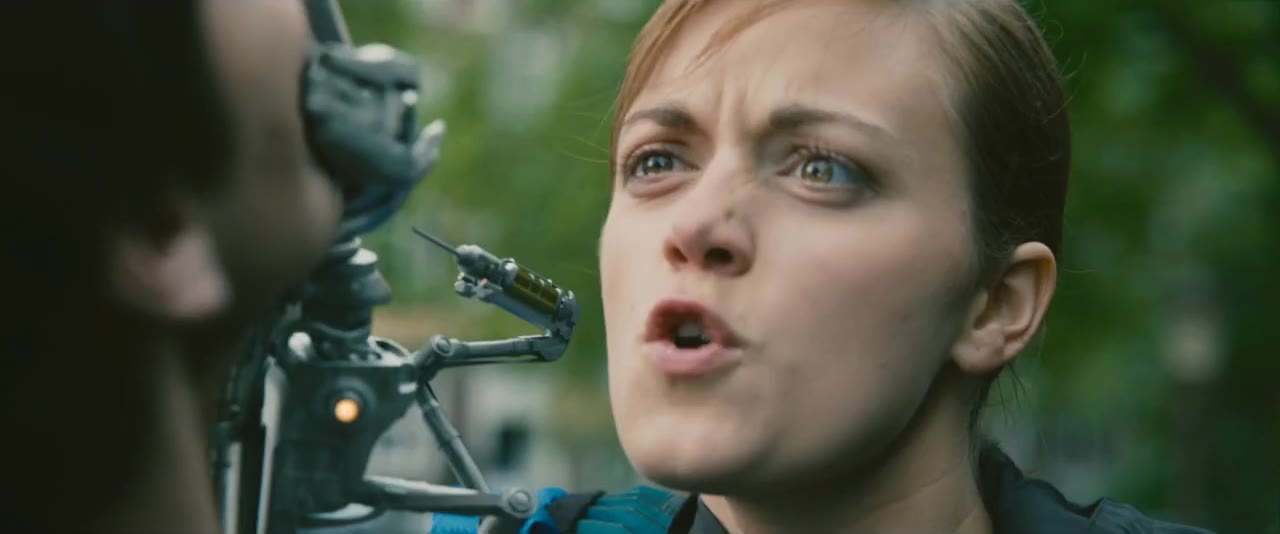 9
9One generation, six takes
5.7 cuts in an average generation (95 of our own generations)
01 / 05Generation
One history per shot
Cut points found at ingest, offered, never applied silently
A generation’s clips usable in any shot
03 / 07
Generating
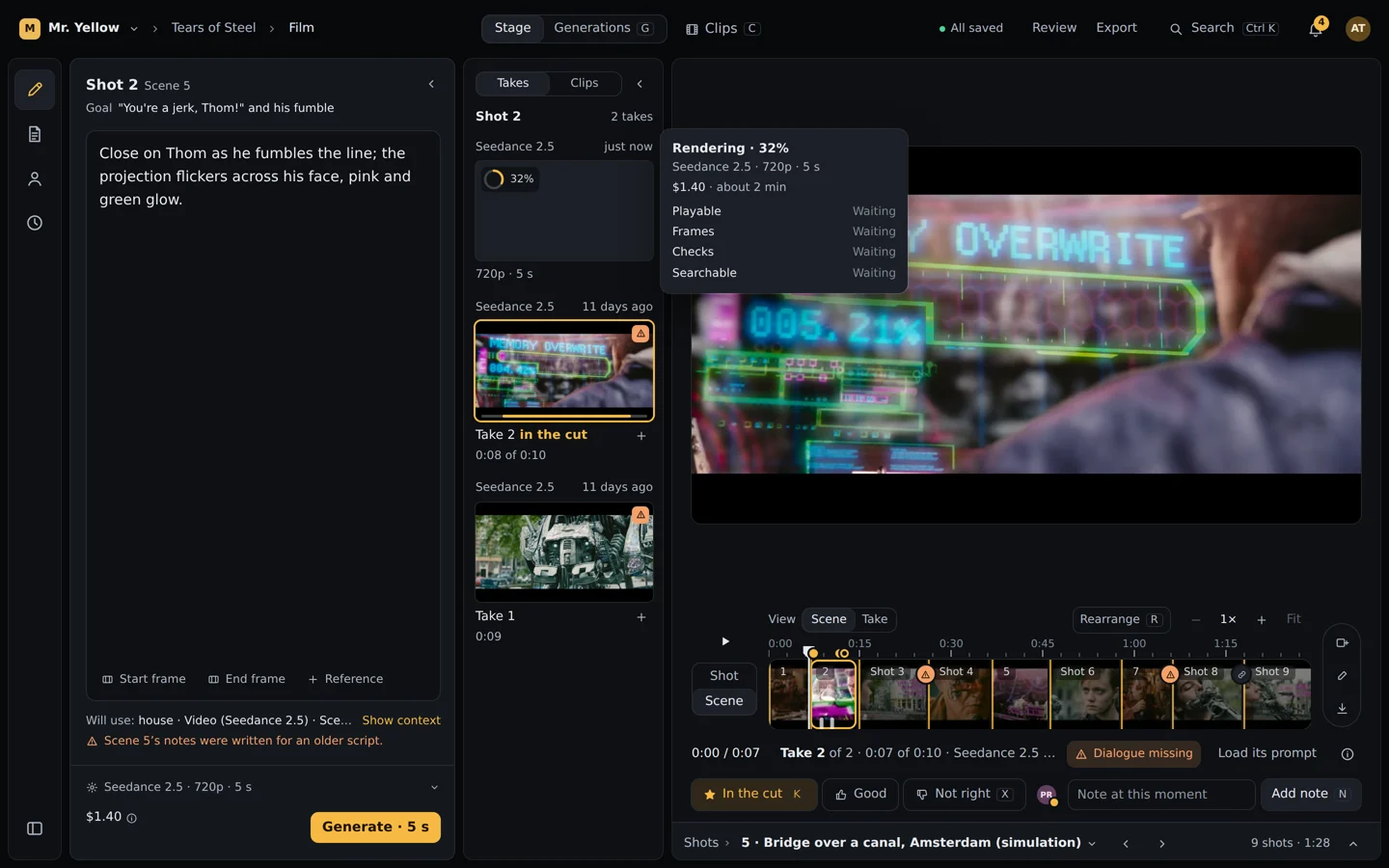
Choose a model and the settings it really supports. The price shows before you press Generate, from a formula that matched the providers’ bills to the cent. A draft render costs $0.52 for five seconds on Seedance 2.5; finish only the one you keep. If a provider refuses a prompt, you are not charged and can retry.
The price before you click, then the take arrives
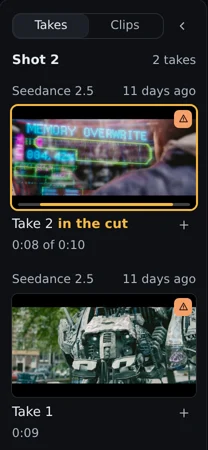
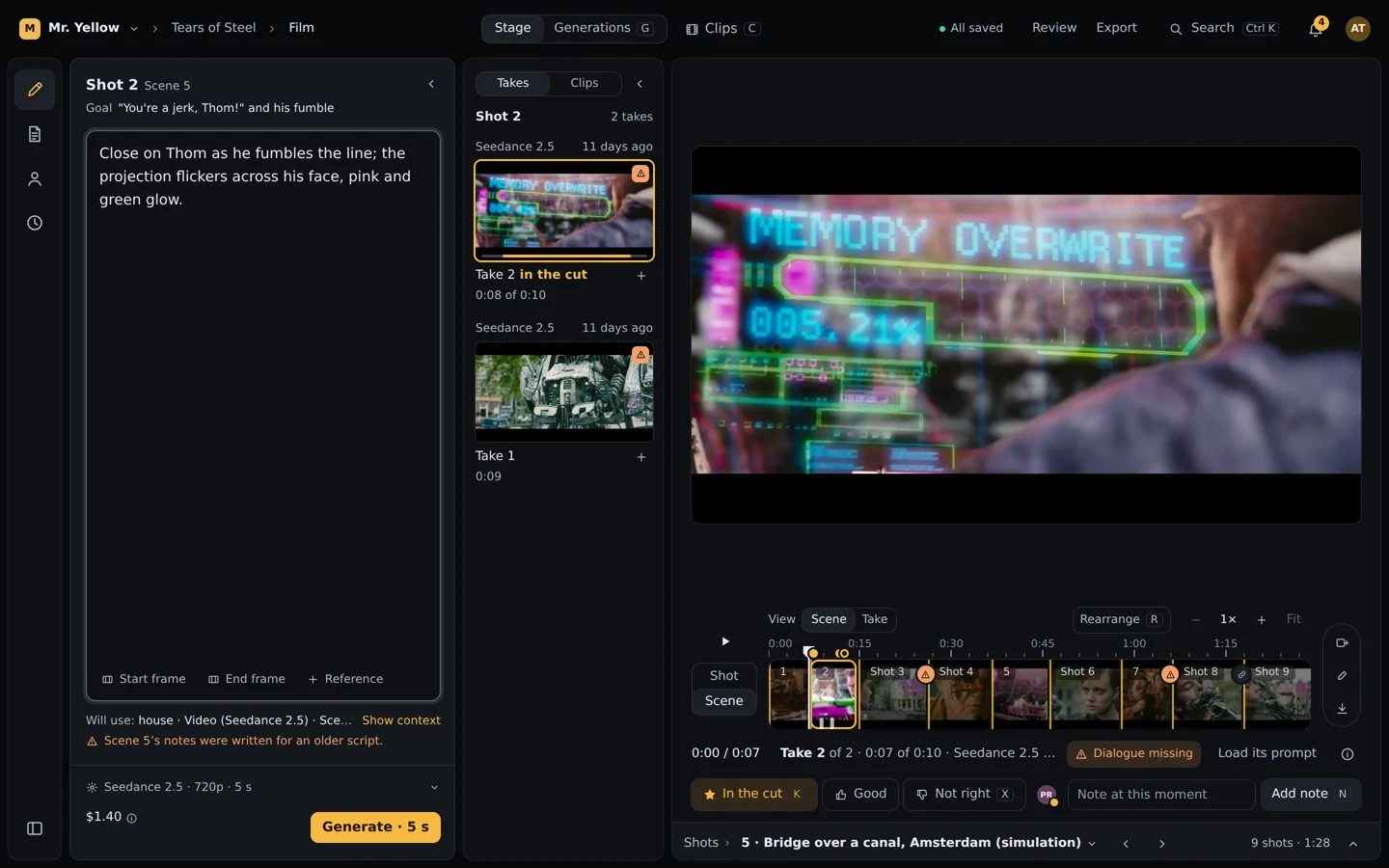
Shot 2 Scene 5
Goal “You’re a jerk, Thom!” and his fumble
Close on Thom as he fumbles the line; the projection flickers across his face, pink and green glow.
Shot 2 2 takes3 takes
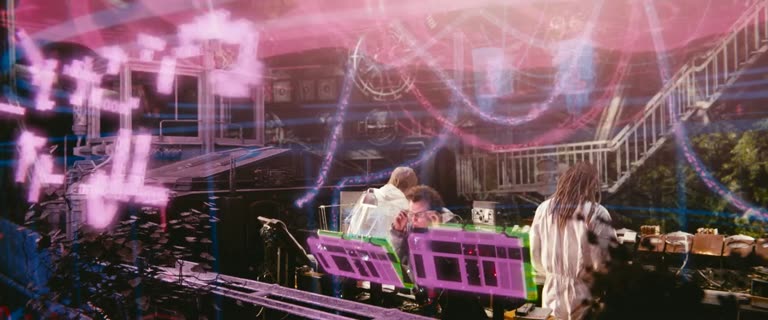 3rd in lineRendering 18%Rendering 64%Copying to your library
Draft · 480p · 5 s · $0.52Take 3 0:05
Finish at 1080p · $2.87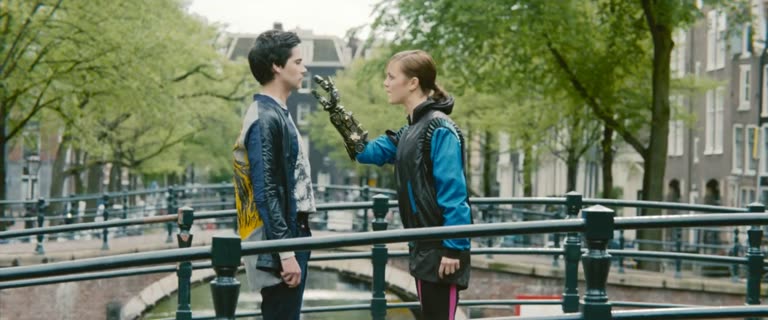
Take 2 in the cut
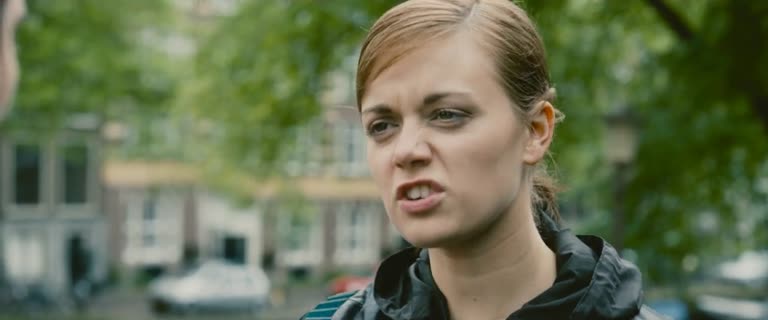
Take 1 0:09
The price before you click, every stage after
A draft rendered in about 75 s and its 1080p finish in 44 s (lab, Seedance 2.5)
01 / 08Price
Price before Generate
Draft at 480p, finish at 1080p
Queue place and render progress on the take
A refused prompt costs nothing and has a Retry
04 / 07
Cutting the scene
Trim, split, swap the take, reorder. Every edit shows in under a frame, saves as you go and undoes with ⌘Z, per person. One editor holds a scene at a time; everyone else watches live and leaves notes.
One scene, everyone in it, live
Shot 3 · 2.4 s12Shot 34567−0.4 sShot 3 · 2.4 s12Shot 34567Alex01 / 05Two people, one scene
An edit on screen in 8 ms
Everyone watching sees it as it happens
Frame-exact stepping
Works offline and catches up
05 / 07
Memory and checks
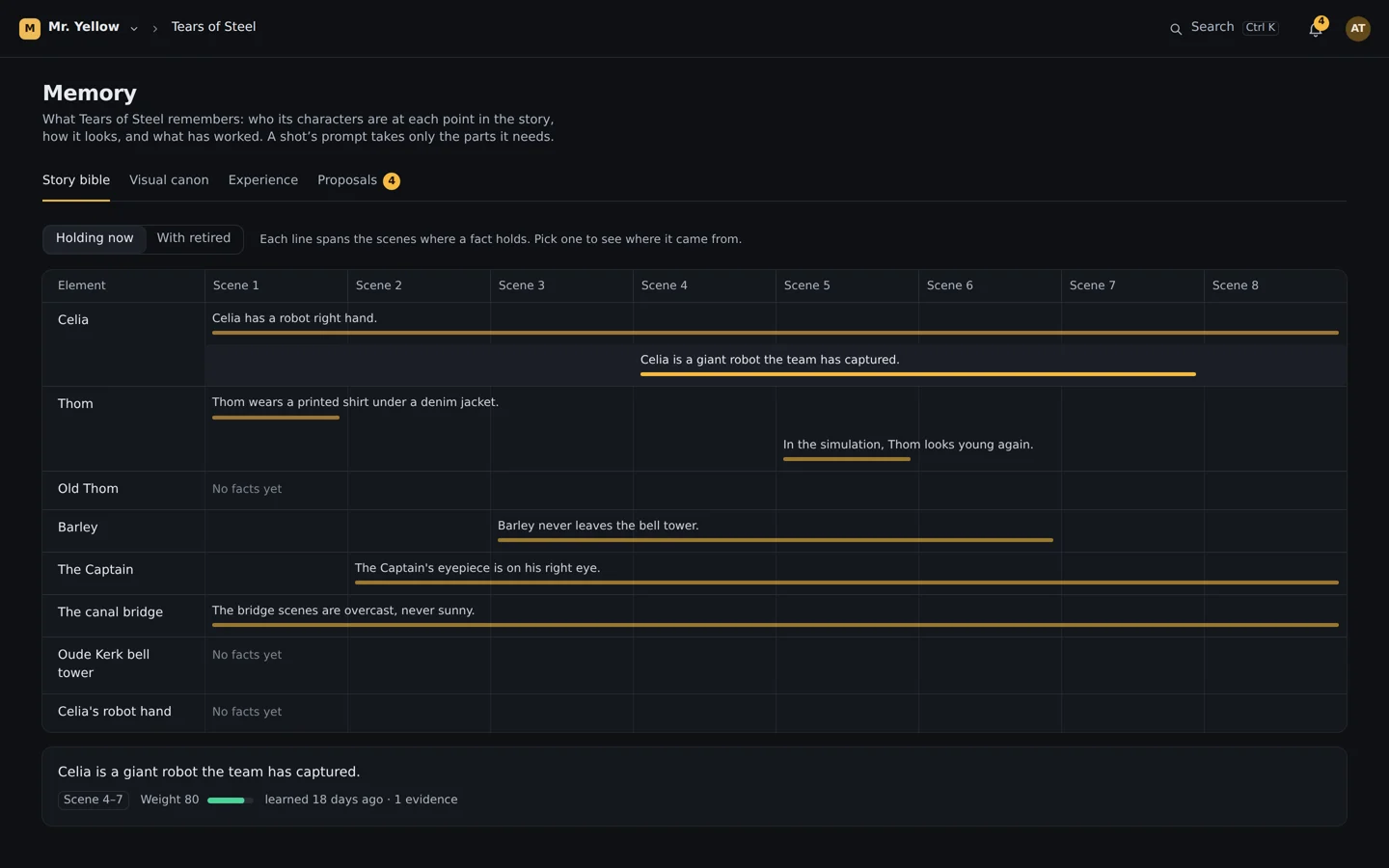
The production remembers who its characters are at each point in the story, how the show looks and which of your frames are canon. Each shot gets only the facts it needs, so the model isn’t confused by the rest of the bible. New facts are proposed from approved takes and wait for a person to accept them.
The story bible checks the prompt
Shot 4 Scene 5
The Captain leans into the light;
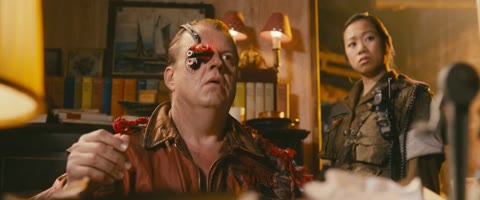 The CaptainStart frame
Every prompt is checked against the story bible
Checked against the story bible as you type, before anything is spent.
01 / 06Prompt
Story bible, visual canon, what worked per model
Continuity checked before Generate
Dialogue checked on every take
Proposals wait for a person
06 / 07
Review
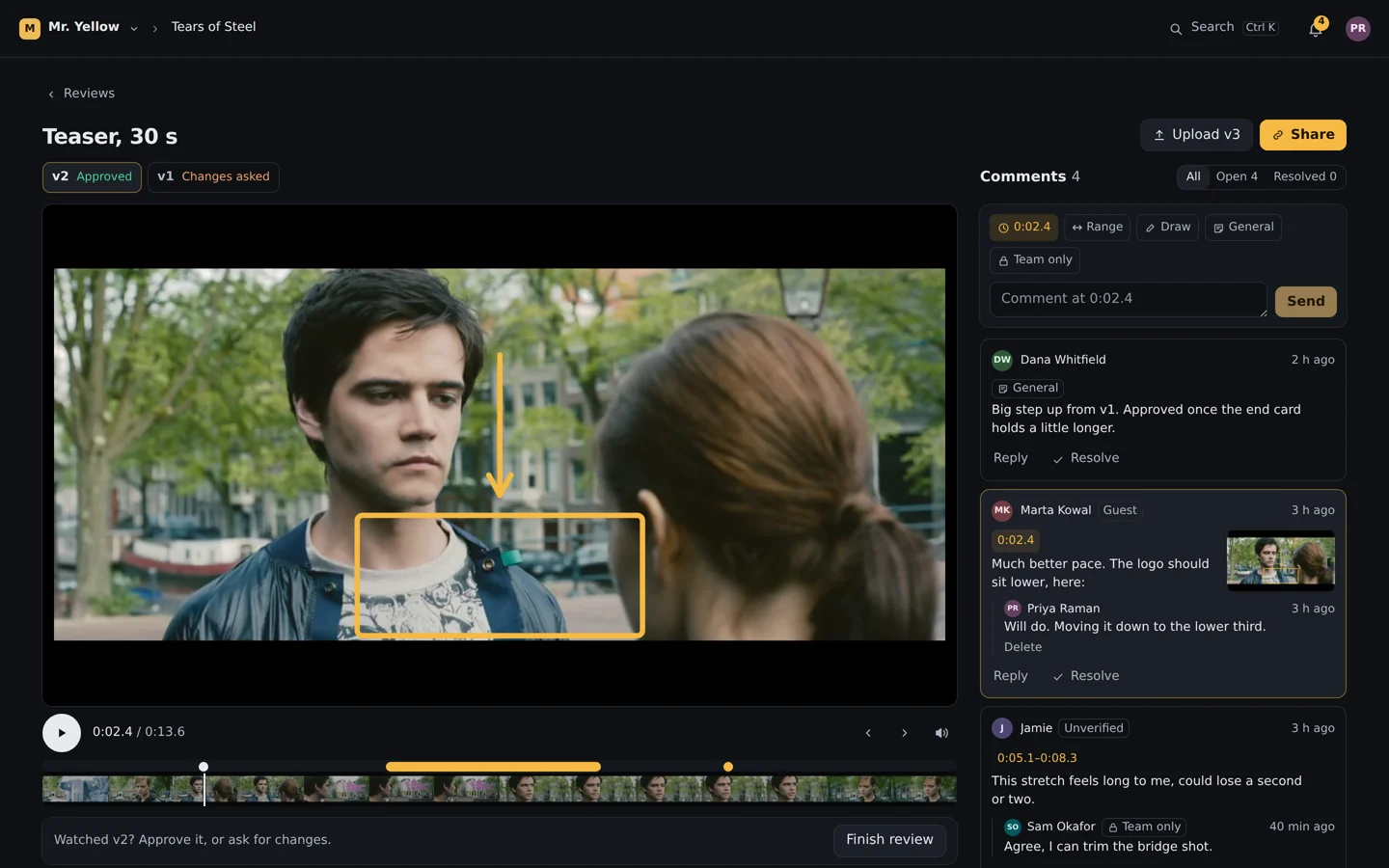
Share a cut or upload any video. Reviewers comment on a frame or over a range, draw on the picture, reply and resolve, then finish with Approve or Request changes. Comments on a cut land on the take under them in the studio, and as markers in Final Cut.
Comments on the frame, one answer at the end
01 / 08The room
Guests never join your org
Name and email, or a confirmed email first
Passwords, expiry, newest version only
Watermarked copies with the guest’s email
07 / 07
Delivery
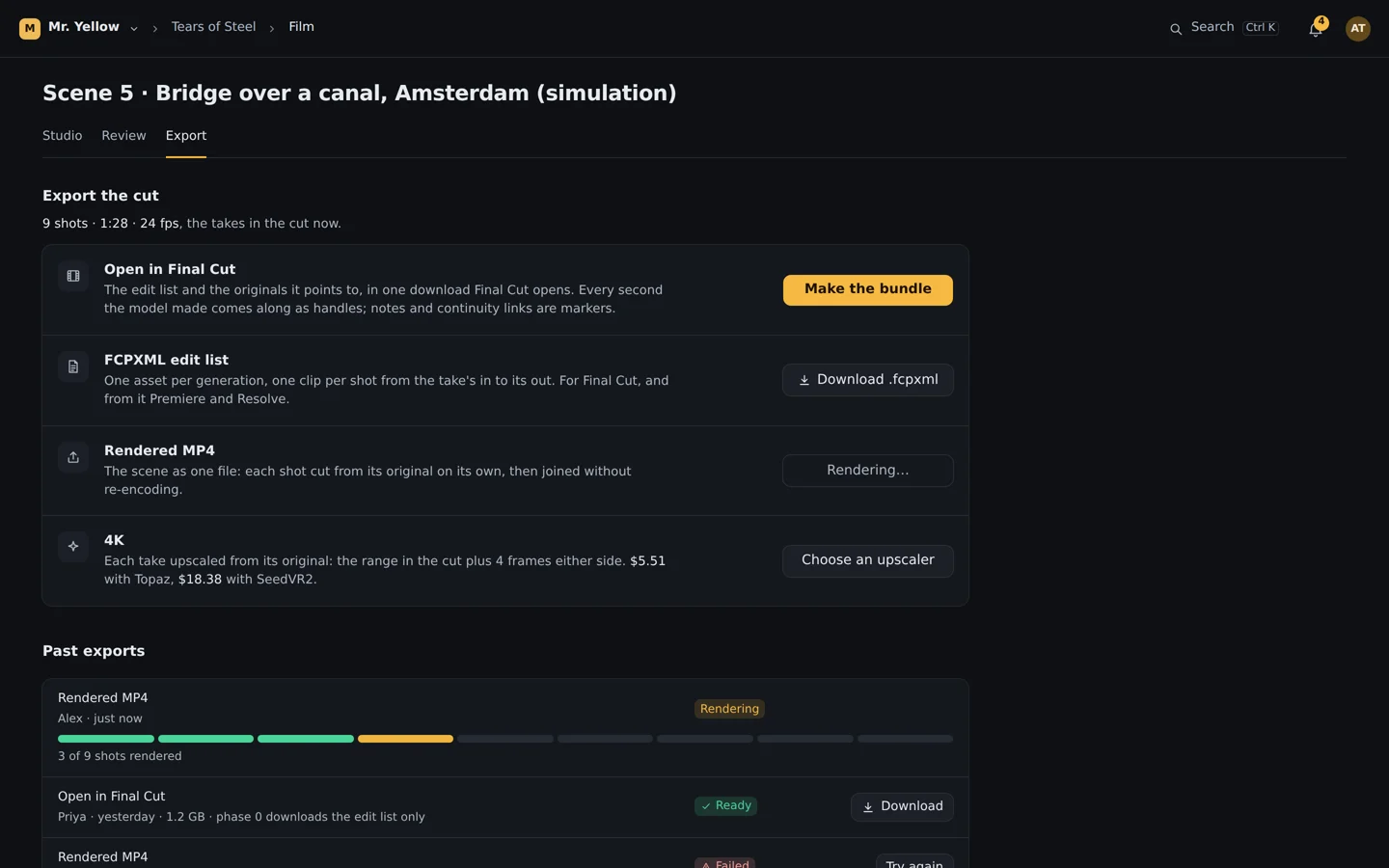
Render the scene to an MP4, or open it in Final Cut: an FCPXML with one asset per generation and every original second as handles, bundled with the files it points to. Finish selected takes in 4K with SeedVR2 at export.
Hand off to Final Cut, with every second the model made
1.4 s13.2 s4.1 s2.0 s22.1 s2.4 s0.6 s34.0 s3.3 sThe edit list and the originals it points to, in one download Final Cut opens. Every second the model made comes along as handles.
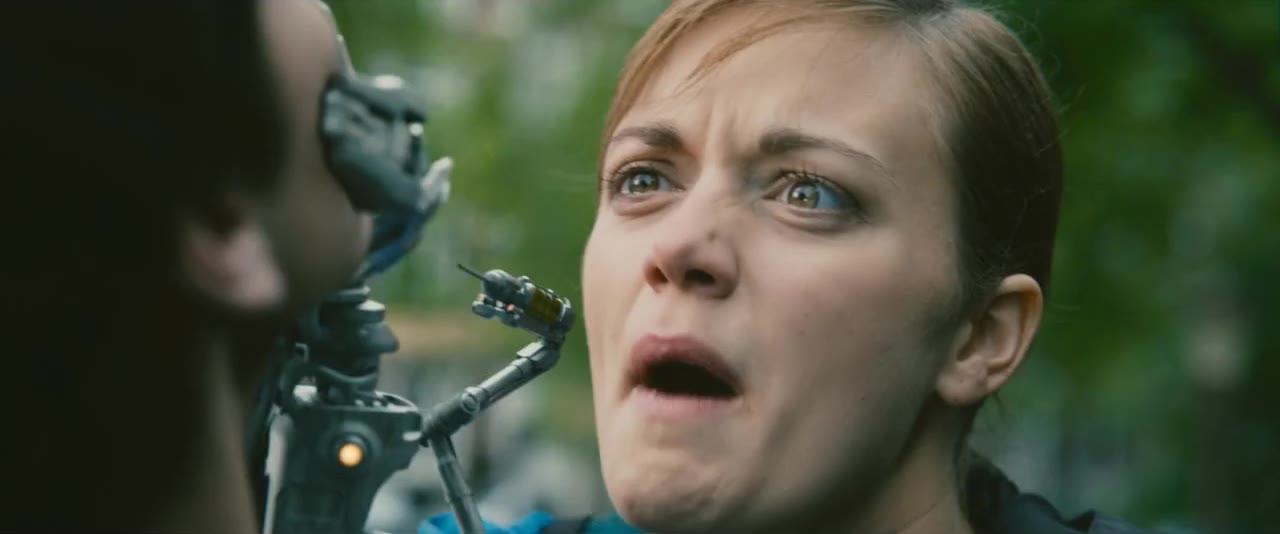 Shot 8
01 / 04Takes in the cut
MP4, 1920×1080, the scene’s frame rate
Open in Final Cut, with handles
Mixed frame rates flagged before export
4K finishing per take
Start with the script.
Bring a Final Draft or Fountain file, or open our sample production, and scene one is waiting. Or talk to us, and we’ll show you the studio on your own script.